
In brief: The best senior phones in 2026 feature clear controls, emergency functions and a robust build. A good model has large keys, a loud speaker and a simple menu structure. Long battery life is particularly important. Our comparison helps you find the right device for your needs.
Finding the right phone for seniors can be a challenge. The market offers a wide range of devices that differ in functionality and ease of use. Our test and comparison for 2026 helps you keep track. We show which features really matter and which devices meet the criteria for safe and simple communication.
A good senior phone is more than just a telephone. It is a tool for greater independence and safety in everyday life. The right choice depends heavily on the user's individual needs and abilities. Our buying guide takes you through the most important factors to consider.
Contents
Criteria for a good senior phone
Before choosing a particular model, you should clarify the basic requirements. Not every device is equally suitable for every situation.
Physical design comes first. The phone should sit comfortably in the hand and not be too light, so it is less likely to be dropped. A robust housing protects it from falls. The keys must be clearly labelled and spaced far enough apart.
Battery and display
Long battery life is essential to avoid constant charging. Look for models that last several days in standby mode. The display should be easy to read even in direct sunlight. High contrast and an adjustable font size are the key factors here.
Tip: Test the controls in a store if possible. Let the future user hold the phone and dial a number. The feel of the keys and the readability of the display are subjective impressions that matter.
The most important features at a glance
Modern senior phones offer a range of special features. Some are essential, while others may be unnecessary. Focus on what matters most.
A dedicated emergency button is a must. This button should always be easy to reach and clearly marked, often in a noticeable colour such as red. When pressed, it should dial a pre-programmed number, ideally also using speed dial to contact someone from the address book.
A loud ringtone and speaker are indispensable for users with hearing loss. Many devices also offer a flashing alert for incoming calls, providing a visual signal.
Menu structure and storage
The menu structure should be linear and intuitive. Complicated submenus and technical terms only cause confusion. A photo dialling pad, where saved contacts appear with a picture and a large name, is a very user-friendly solution.
The phone memory should be easy to fill, preferably using PC software or with help from a family member. Ample contact storage is useful, as it keeps all important numbers directly on the device.
Comparison of the 2026 models
Our comparison looks at the different approaches taken by manufacturers. Here you will find a selection of devices that have proven themselves on the market in recent years or are setting new standards.
The market can broadly be divided into classic feature phones and modern smartphones with simplified interfaces. Both types have advantages and disadvantages, which we examine here.
The highest-rated senior phones in our range compared directly:
| Model | Customer rating | Availability |
|---|---|---|
| 501 - Braun - Senior scooter - 25 km/h - Mobility scooter | – | Currently unavailable |
| Additional handset for Xtra 2355 + 3355 phones | – | Currently unavailable |
| Cabinet for Junior/Senior workbench No. 857437 | – | Currently unavailable |
| Blue 4-wheel e-scooter - 20 Ah Li-Io battery - 25 km/h - Mobility scooter | – | Currently unavailable |
| Blue e-scooter - 4 wheels - 25 km/h - Mobility scooter | – | Currently unavailable |
In addition to phones themselves, useful accessories can make them easier to use. A good example is the
. This additional handset can make phone calls more comfortable, especially for users with limited hand mobility.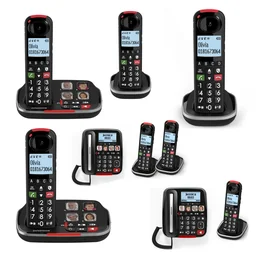
Important: The emergency function is not a substitute for a professional home emergency call service with a 24/7 response centre. It only alerts the saved contacts. Make sure that this person is always reachable and able to act in an emergency.
Which type of phone is right for whom?
The choice between a classic mobile phone and a simplified smartphone depends on the user's technical confidence and individual needs.
The classic phone for seniors is the first choice for users who only want to make calls and send text messages. Operation is limited to these core functions. Models such as the
follow this principle. They are often more robust and have excellent battery life.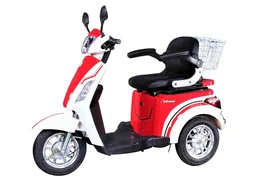
The simplified smartphone offers additional features such as video calls, simple weather or news apps and a camera. It is operated via a touchscreen designed with large icons and clear navigation. This type requires a little more familiarisation.
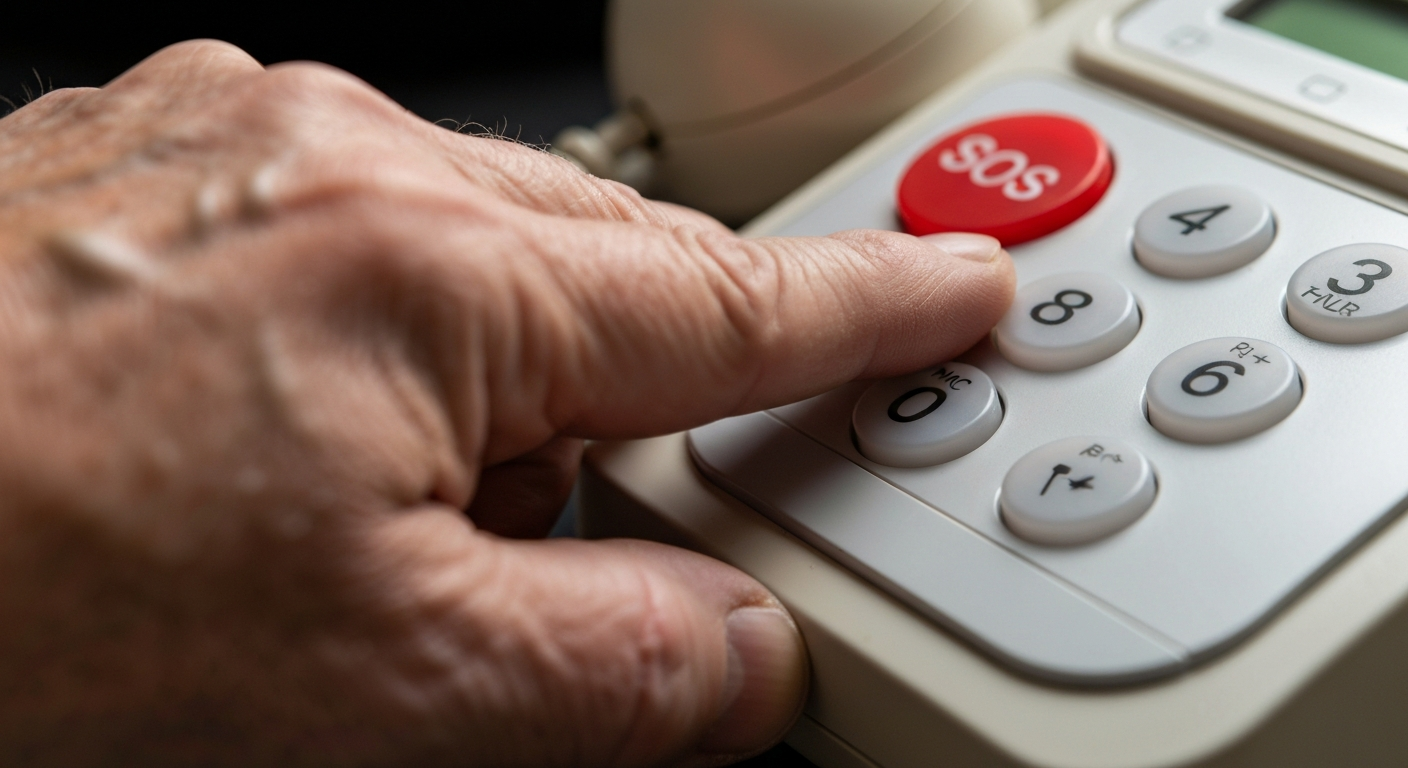
For users with impaired vision
For severe visual impairment, a keypad is often better than a touchscreen. Tactile buttons provide direct feedback. A phone with extra-large number keys and a bright, high-contrast display is the best choice here. Browse our senior phones category.
Ease of use and everyday practicality tested
How do the devices perform in everyday use? We took a close look at their operation, feel and menu clarity.
One frequently overlooked aspect is the charging port. It should be robust and easy to find. A magnetic charging cable or wireless charging function can make handling considerably easier, but these features are rarely available. A standardised Micro-USB or USB-C port is the most practical option.
The volume control should be easy to use during a call and allow precise adjustment. A separate physical volume dial on the side of the device has proved particularly user-friendly.
Note: Even the best technology is of no use if it is not accepted. Be sure to involve the future user in the selection process. A device chosen together is more likely to be used regularly.
Durability and battery life
Durability is often tested according to MIL-STD-810G or similar standards. A rubberised casing protects against impacts. Battery life in our test: The best devices easily last a week with moderate use (a few calls a day). Ideally, charge the phone as part of a fixed weekly routine, for example on Sundays.
Safety and emergency calls: What do I need to consider?
Safety features are the heart of a good phone for seniors. However, there are major differences in quality.
The emergency call button should not be pressed accidentally, but must respond immediately in an emergency. Pressing and holding it for longer (e.g. 3 seconds) is a good way to prevent false alarms. Some devices confirm the emergency call with a loud alert tone, which can provide reassurance.
Some models offer GPS tracking. Relatives may be able to view the location via an app, making it possible to find out where the user is in an emergency. Be sure to check the privacy settings and obtain the user's consent.
Data and privacy
Do not store important medical information (blood group, allergies, medication) directly on the phone in case it is lost. A note in the user's wallet or a suitable medical ID bracelet is a better option. The phone should be protected against unauthorised access with a PIN that is easy enough to remember.
For more information about phones in general, visit our overview page Telephones & Mobile Phones.
Buying guide and conclusion
Choosing the right phone for seniors is an individual decision. Take it step by step and weigh the criteria according to your personal situation.
1. Analyse your needs: Do you only want to make calls, or would you also like to use features such as photos or video calls? The answer determines the type of device.
2. Consider physical requirements: How good are your eyesight and hearing? What about your manual dexterity? This determines the requirements for the keys, display and volume.
3. Assess your safety needs: How important is a quick emergency call function? Do you need a location feature for greater safety when out and about?
4. Comfort and battery: How often would you like to charge the phone? How should it feel in your hand? Trying it out is the best way to decide.
5. Support and setup: Who will set up the phone and explain its functions? Is there a good instruction manual or even telephone support?
Our conclusion
A good phone for seniors provides reassurance and supports communication. It does not need to be the most expensive device with the most features, but the one that best suits the user's circumstances. Clear buttons, a loud ringtone and a simple menu are often more valuable than unnecessary technical features.
Also consider practical accessories such as a protective case or a charging cable with a longer reach. Our tip: Start with a classic, robust keypad phone. Once the basic functions have been mastered confidently, you can always switch to a simple smartphone. Explore our wide range of technology for everyday life.
With the right considerations, you are sure to find a model that is enjoyable to use and performs reliably. The
is another example of well-considered, functional design that shows how specific user needs can be addressed.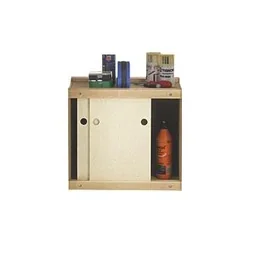
Frequently Asked Questions
- What makes a good senior phone?
- A good senior phone has large, clearly labelled buttons, an especially loud ringtone and speaker, as well as a bright screen with high-contrast display. A simple menu structure without unnecessary features and a reliable emergency call function are essential.
- Do I need a special plan for a senior phone?
- No, senior phones work with any standard SIM card and regular mobile phone plan. You can use your existing contract or pay-as-you-go plan. Make sure you have good network coverage at home.
- Are senior phones compatible with hearing aids?
- Many models are TCO-certified and hearing-aid compatible (induction loop). This reduces interference for hearing-aid users. You can find the exact specifications in the technical details for each product.
- Can I browse the internet with a senior phone?
- Most classic senior phones are limited to calls and text messages. Simple browsers are rare, and using them can be awkward. If you need internet access, you should choose a smartphone with a simplified user interface.
- How reliable is the emergency call function?
- The emergency call function is only active when the phone is switched on and a mobile network is available. It must be activated manually. Genuine emergency call systems with automatic fall detection and location tracking are separate devices that often require a monthly subscription.